AI Search Monitoring with Looker Studio - Integration Guide
Most marketing teams already use Looker Studio (formerly Google Data Studio) to centralize performance reporting. Integrating AI search visibility data into the same environment as organic search, paid media, and social analytics allows stakeholders to see the full picture in one place without logging into multiple tools. This guide covers the options for connecting AI search monitoring data to Looker Studio.
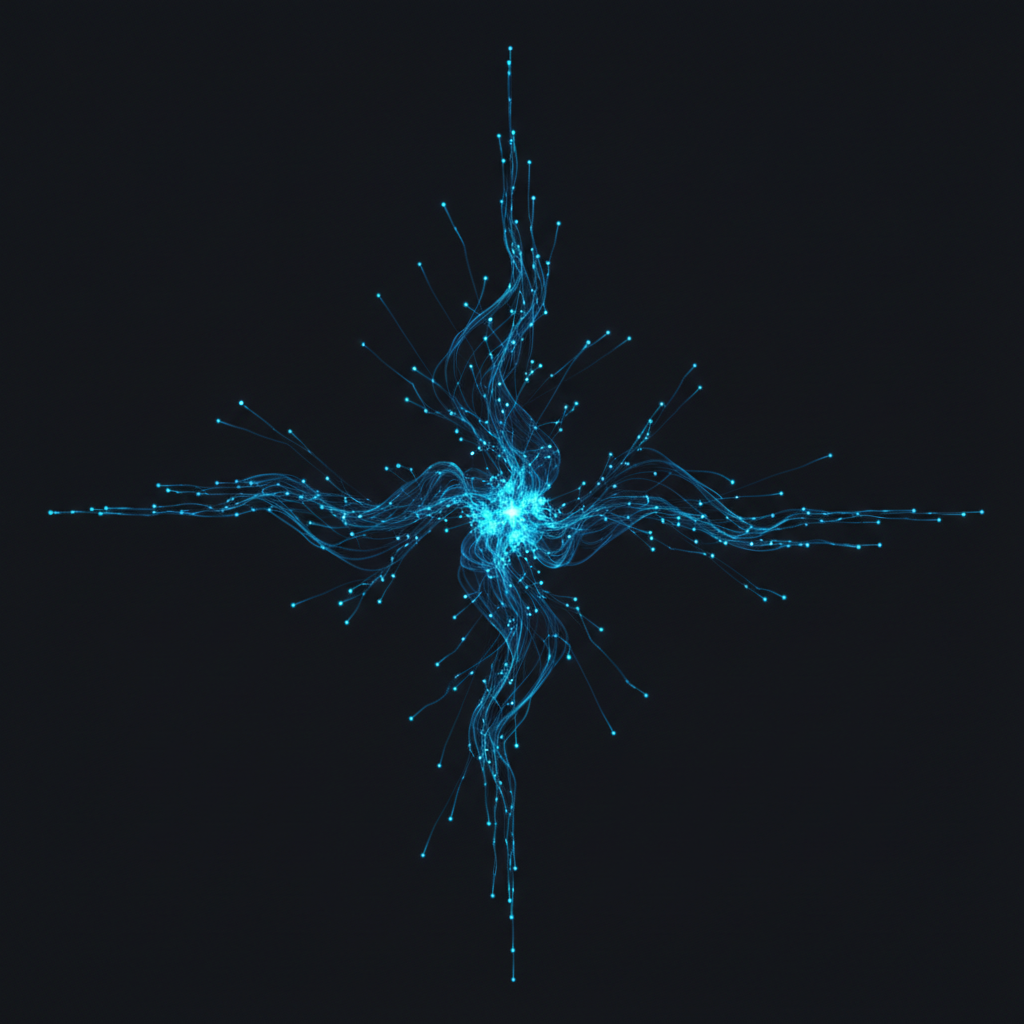
AI Search Data Integration Methods - Effort vs Benefit
Source: AEO Vision technical documentation, 2026.
Integration Options Ranked by Effort
The easiest integration is a native Looker Studio connector if your AI visibility platform provides one. Check whether your platform has a Looker Studio connector listed in the Looker Studio data source gallery. If it does, you can connect in minutes and pull citation rate, mention volume, and competitive data directly into your dashboards.
If no native connector is available, the next easiest approach is a Google Sheets bridge: export your AI visibility data to Google Sheets via your platform's API or scheduled CSV export, then connect the Google Sheet to Looker Studio. This takes about 30 minutes to set up and works reliably for weekly reporting.
What to Include in Your AI Visibility Looker Studio Report
Structure your AI search section to mirror how you present other channels. Include: citation rate trend over time (line chart), platform breakdown (bar chart showing ChatGPT, Perplexity, Gemini, Claude, AI Mode, AI Overviews), competitive share comparison (your citation rate vs top 3 competitors), and top 10 prompts by citation importance with current status.
Place this section alongside your organic search, paid search, and social sections so stakeholders can see AI search in context. Normalize the date ranges so all sections cover the same period.
Automation and Alert Setup
Once your Looker Studio integration is running, set up automated email delivery of the report to stakeholders on a weekly or monthly cadence. This removes the need for anyone to log into the AI visibility platform directly, since the essential data flows into the central reporting environment.
For real-time alerts (significant citation rate drops, new competitor entries on priority prompts), most AI visibility platforms have native Slack or email alert features that are more responsive than Looker Studio's report delivery. Use the Looker Studio integration for regular reporting and the platform's native alerts for time-sensitive signals.
Connect AEO Vision Data to Looker Studio
AEO Vision supports Google Sheets export and API access for Looker Studio integration. See your AI visibility data alongside every other channel. Plans start at $9/mo.
Get StartedFrequently Asked Questions
Does AEO Vision have a native Looker Studio connector?
AEO Vision supports data export via API and Google Sheets, which connects to Looker Studio. A native connector is on the development roadmap. For current integration, use the API or Sheets export method described in this guide.
How often should the Looker Studio data refresh?
For most teams, weekly refresh is sufficient for reporting purposes. Daily refresh is possible through API-based integrations but requires more setup. Avoid real-time refresh for AI search data since citation patterns do not change meaningfully on an hourly basis, and real-time connections can create performance issues in Looker Studio reports.
Can I blend AI visibility data with GA4 data in Looker Studio?
Yes. Looker Studio supports blended data sources. You can blend your AI citation rate data (from an AEO Vision Sheets export) with your GA4 data (using the native GA4 connector) to create charts that show citation rate alongside AI referral traffic volume side by side. This is one of the most compelling ways to present the relationship between AI visibility and website traffic.
AEO Vision Content Team
Insights on AI search visibility, answer engine optimization, and brand discovery across ChatGPT, Perplexity, Gemini, Claude, and Google AI Mode.
Ready to see how AI perceives your brand?
Track your visibility across ChatGPT, Perplexity, Gemini, Claude, and Google AI Mode.